

The Scoop Without the Scramble: How AI Saved My Deadline (and My Sanity)
By Mark Donovan, Senior Investigative Reporter
In journalism, the "Golden Rule" is simple: Get it right, and get it first.
But there is a hidden enemy that kills both accuracy and speed: Transcription.
Last Tuesday, I was sitting in a crowded coffee shop, interviewing a whistleblower for a breaking political story. The espresso machine was grinding, music was blaring, and people were chatting all around us. The interview lasted 90 minutes.
In the old days, that meant spending the next four hours hunched over my laptop, playing the recording at 0.5x speed, typing furiously, rewinding, and cursing the barista for making a latte right when the source dropped a bombshell.
With a 5:00 PM deadline looming, I didn't have four hours. I had 30 minutes to find the quote and file the story.
That is why I use SubEasy. It’s the only tool I trust to handle the chaos of real-world reporting.
The Nightmare: "Indecipherable" Audio
Every reporter knows the pain of "dirty audio." Standard dictation apps surrender the moment there is background noise. They turn "budget cuts" into "butter cups."
If you quote a source saying "butter cups" in a corruption scandal, you are getting sued for libel.
Step 1: Crushing the Noise with "Pure Recognition"
I uploaded the coffee shop recording to SubEasy. The first thing I did was toggle on "Pure Recognition."
This feature is essential for field reporters. It stripped away the hiss of the espresso machine and the background chatter, isolating the voices of myself and my source.
The result? A transcript that was remarkably clean. It captured the nuances of the conversation without the interference.
Step 2: Finding the "Smoking Gun" Quote Instantly
I didn't need to read the whole transcript. I needed one specific sentence where the source mentioned the "offshore accounts."
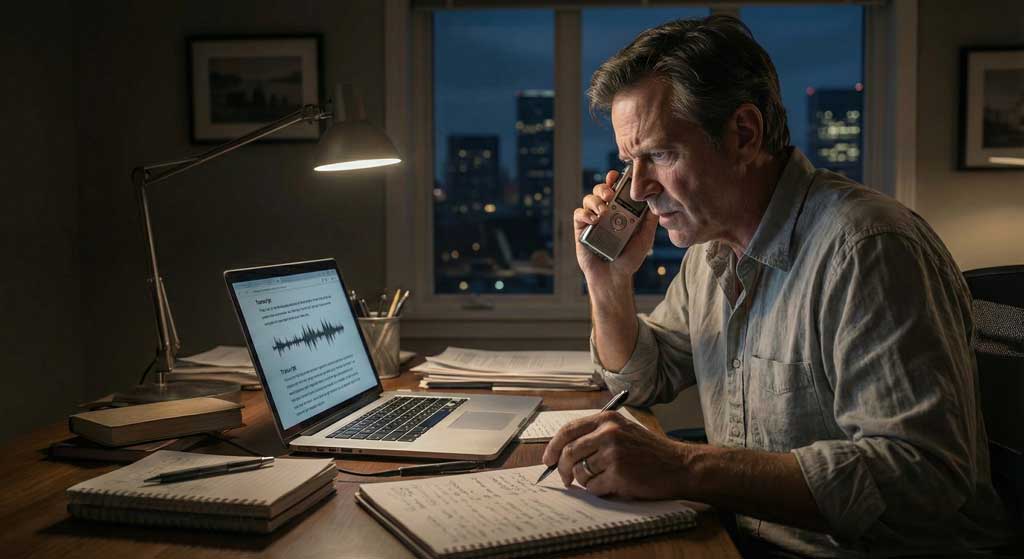
SubEasy’s "Transcript View" is fully searchable. I typed "offshore" into the search bar.
Boom.
The tool jumped instantly to minute 42:15. I clicked the timestamp, and the audio played from that exact second to confirm the wording. I had the verbatim quote verified and pasted into my article draft in seconds.
Step 3: Speaker Identification for Fact-Checking
When you are writing a long-form piece with multiple sources, knowing who said what is non-negotiable.
SubEasy automatically differentiated between:
- Speaker 1 (Me)
- Speaker 2 (The Whistleblower)
This visual separation makes fact-checking a breeze. I can scan the document and clearly see the back-and-forth flow of the interrogation.
Step 4: Exporting to Word for the Editor
Once I highlighted the key sections, I exported the transcript as a DOCX file with timestamps.
I sent this directly to my editor along with my story draft. Having a timestamped transcript is a massive pro move—it proves to your editor (and your legal team) that your quotes are solid.
The Verdict
I filed the story at 4:15 PM, beating the deadline by 45 minutes.
For any journalist, writer, or podcaster working in the field, SubEasy isn't just a convenience; it is a competitive advantage. It lets you spend less time typing and more time digging for the truth.