

By David Lee, Senior Technical Program Manager (PMP)
If you are a Project Manager leading international teams, you know the drill. It is 9:00 PM. You are on a conference call with the backend team in Bangalore and the architecture team in Munich.
The ideas are brilliant, but the communication barrier is real. Between the rapid-fire Indian English, the distinct German inflections, and the occasional audio glitch, catching every detail is a superhuman task.
For years, my notebook was a mess of half-finished sentences. I would spend an hour after every meeting just trying to decipher my own notes and recall who promised to fix the API bug.
"Did Raj say it would be done by Friday, or wouldn't?"
Mishearing a requirement isn't just embarrassing; in project management, it’s a risk. That is why I integrated SubEasy into my meeting workflow. It turned my chaotic calls into structured, actionable data.
The Challenge: The Accent Barrier & Information Loss
My biggest pain point wasn't the language; it was the accents and speed. When technical discussions heat up, people speak faster.
I needed a tool that could:
- Understand diverse English accents (specifically Indian and German) better than I could.
- Tell me exactly who said what without me constantly looking at the screen.
- Automate the dreaded "Meeting Minutes" email so I could go to sleep.
Step 1: High-Accuracy Transcription for Heavy Accents
I have tried standard transcription tools before, and they usually fail when faced with non-native English speakers or technical jargon.
SubEasy is different. It is built on optimized Whisper models that seem to have "trained ears" for global accents.
In a recent sprint planning session, my lead developer from Pune was explaining a complex database migration. He speaks incredibly fast. I missed half the details live. But when I checked the SubEasy transcript? It was spot on. It captured the technical terms and navigated the accent with 99% accuracy. It’s like having a universal translator for project specs.
Step 2: "Who Said That?" – Solved with Speaker Identification
In a heated debate between five developers, knowing the source of an idea is crucial.
SubEasy’s Speaker Identification feature automatically labels the audio. Instead of a wall of text, I see:
- Speaker A (Raj): "We need to refactor the login module."
- Speaker B (Hans): "I agree, but let's wait until Q3."
This structured layout means I never assign a task to the wrong person. It creates a clear record of accountability.
Step 3: Instant Action Items with AI Summaries
This is the feature that gets me the most compliments from stakeholders.
After the call, I don't re-listen to the recording. I simply click "AI Summary." SubEasy analyzes the transcript and extracts:
- Key Decisions Made
- Open Issues
- Action Items (assigned to specific people)
I copy these Action Items directly into my follow-up email or Jira tickets. What used to take me 30 minutes of formatting now takes 2 minutes.
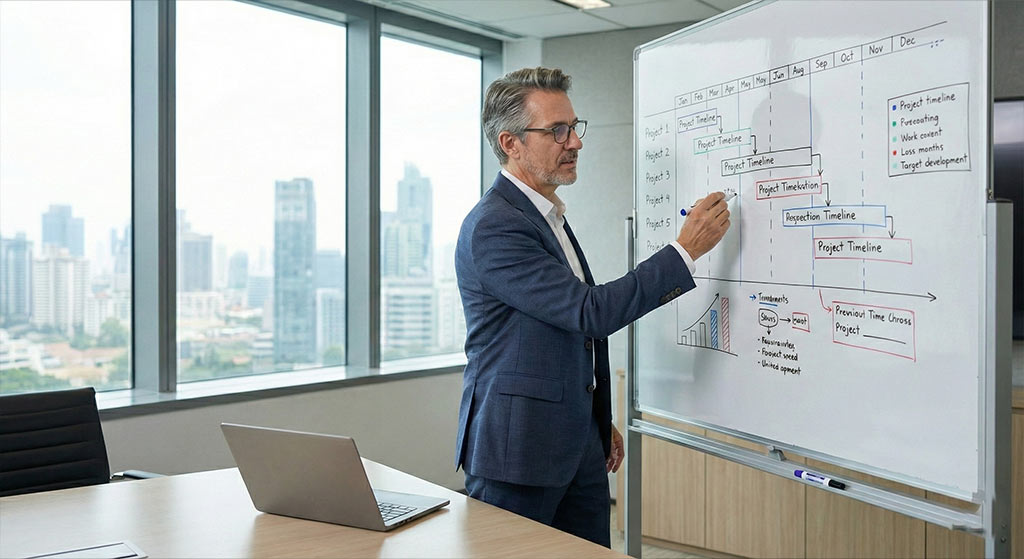
The PMP Advantage
In Project Management, communication is 90% of the job. SubEasy doesn't just transcribe; it ensures clarity.
By removing the cognitive load of trying to "catch every word," I can focus on facilitating the discussion and unblocking my team. The "Pure Recognition" feature even filters out the background noise from colleagues joining from coffee shops.
If you are managing a global team and dread the post-meeting write-up, give SubEasy a shot. It’s the best administrative assistant I have ever had.
Automate Your Meeting Minutes with SubEasy
"Earnings season used to mean sleepless nights. Not anymore."
In our next feature, a Senior Analyst breaks down his secret to covering 10 companies a day without burnout. Discover how he uses SubEasy’s "Custom Vocabulary" to ensure every "EBITDA" and "ROI" is transcribed perfectly, and then simply "Asks AI" to extract growth guidance and risk factors instantly. Turn a 2-hour call into a 1-minute data mine.
📈 Read the Strategy: How to extract "Alpha" from Earnings Calls in seconds