

By Elena Rodriguez, Senior UX Researcher
We have all been there.
I just wrapped up a sprint of 10 deep-dive user interviews. That is 45 minutes per user. That is 7.5 hours of raw audio and video to process.
I spent two days synthesizing the data. I created an affinity diagram. I wrote a beautiful 20-page PDF report detailing exactly why users are failing to complete the checkout flow. I sent it to the Product Manager and the dev team.
The result? Crickets. Or the classic response:
"Thanks, we'll look at this in Q4."
The problem wasn't the data. The problem was the delivery. Text on a page doesn't carry emotion. It doesn't show the frustration in a user's voice when they can't find a button.
To get buy-in, I needed to stop telling them what users felt and start showing them. That is when I switched my workflow to SubEasy, and it turned my "boring reports" into "must-watch" highlight reels.
The Pain: The "Data Dump" Dilemma
Qualitative research is messy. Finding that one specific moment where User #4 sighed and said, "Why is this so complicated?" used to mean scrubbing through hours of timeline footage.
I needed a way to:
- Rapidly transcribe 450 minutes of interviews.
- Search across all interviews for patterns (e.g., "Search Bar").
- Crucially: Extract the exact video clip of the user speaking, with subtitles, to play in our weekly product review.
Step 1: The Searchable Research Repository
First, I upload all 10 interview sessions into SubEasy. The transcription happens in the background while I grab a coffee.
Once processed, I don't just have a video; I have a searchable database.
I open the **"Transcript View" **. Let's say my hypothesis is that the navigation menu is confusing. I simply Ctrl+F (or use the search bar) for keywords like "can't find," "where is," or "button."
SubEasy highlights every instance across the transcript. I can instantly jump to those timestamps. No more scrubbing blindly through video files.
Step 2: Instant Evidence with "Click-to-Play"
This is the feature that changed my career.
When I find a user saying, "Honestly, I'm clicking this button and nothing is happening, I'm just going to give up," I don't just copy the text. And I definitely don't waste time trying to cut a video file manually.
I simply click that sentence in the SubEasy transcript. The video player instantly jumps to that exact millisecond and starts playing.
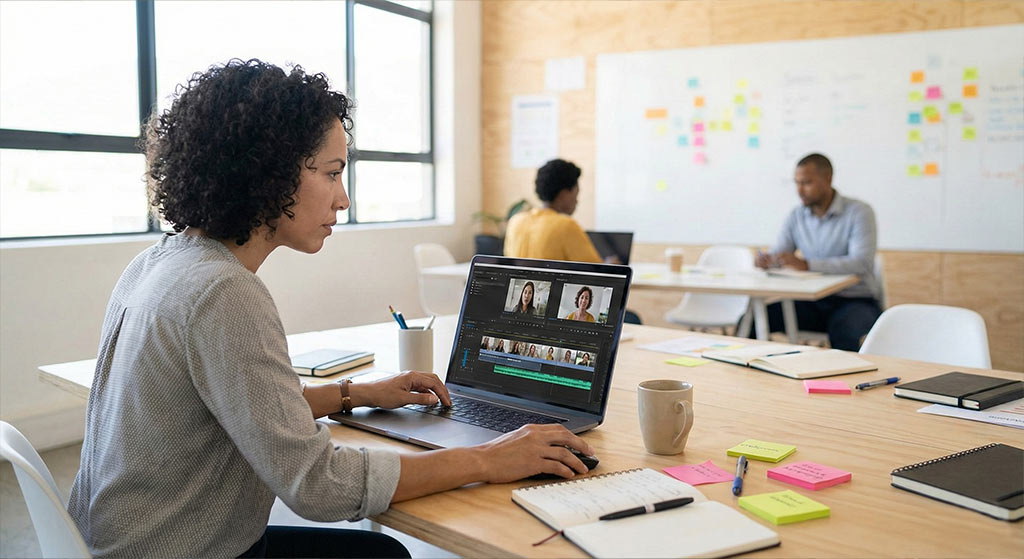
I don't need to be a video editor to prove a point. I can just open the link during the meeting, click the text, and let the user's voice do the talking. It turns the transcript into a navigation bar for the video.
Step 3: The "Mic Drop" Meeting
In the next product review, I didn't present a slide deck full of bullet points.
I played a montage. I showed 5 different users—faces visible, voices frustrated—struggling with the same feature. I played the SubEasy clips back-to-back.
The room went silent. The Product Manager didn't say, "We'll look at it in Q4." He said:
"Wow, that's painful. We need to fix that in the next sprint."
Why SubEasy is a UX Superpower
If you are a researcher tired of your insights being ignored, stop writing essays. Start sharing voices.
- Efficiency: I cut my synthesis time by 50% because I'm editing text, not video.
- Accuracy: The transcription captures the ums, ahs, and pauses, which are critical for analyzing user confidence.
- Empathy: Video clips build empathy in a way that text never can.
SubEasy makes it effortless.
Turn Your Research into Action with SubEasy
Finally, an AI that understands "Medical Context."
Ordinary speech-to-text tools fail when doctors speak fast or mumble obscure terms. Next up, see how a Doctor uses SubEasy as his personal scribe. By uploading a specific glossary, the AI recognizes every drug name accurately. Even better, it uses Context Awareness to fix grammar and spelling logic automatically, delivering a professional record that needs almost no proofreading.
🩺 See the difference: From messy notes to professional transcripts