
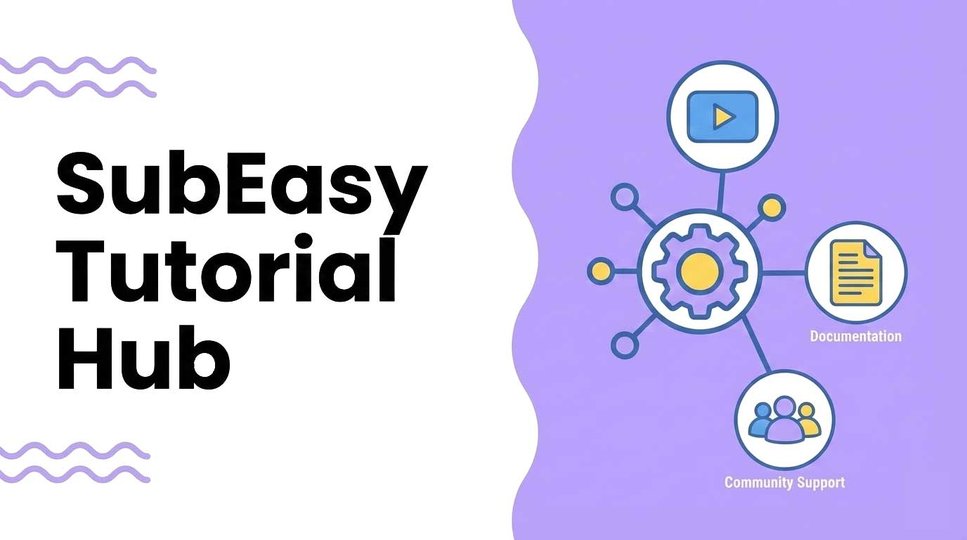

SubEasy Tutorial Hub: Your Step-by-Step Guide to Transcription, Translation, Subtitles, and AI Voice
Welcome to the SubEasy Tutorial Hub. This page is a simple navigation guide to help you jump to the exact tutorial you need—whether you’re just getting started, translating a foreign-language video, syncing subtitles, adding AI dubbing/voice-over, or pulling a clean transcript from a podcast.
Tip: If you’re new, start with the Beginner Guide. If you already know what you want to do, use the Quick Links section to jump straight in.
Quick Links (Pick Your Goal)
- I’m new to SubEasy → Beginner Guide
- I want to translate a foreign-language video and make subtitles → Translate a Foreign Video
- I already have an SRT and need to sync it with a video → Match SRT to Video
- I only have a text script and need to align it to a video → Match Text to Video
- I want to upload subtitles to YouTube → Upload SRT to YouTube
- I want to translate and dub a video (full workflow) → Translate + Dub
- I want to add AI dubbing (spoken voice) → Add AI Dubbing
- I want to add AI voice-over (narration) → Add AI Voice-Over
- I need a fast, accurate podcast transcript → Get a Podcast Transcript
- I need to download a YouTube video → Download YouTube Video
- I want to convert a YouTube video to MP3 → YouTube to MP3
Beginner Tutorials
Beginner Guide
A quick walkthrough to help you upload your first file and understand the basic workflow.
Translation & Subtitles
Translate a Foreign Video
Use this if you want translated subtitles (single-language or bilingual) from a video in another language.
Match SRT to Video
Use this if you already have an SRT subtitle file but the timing doesn’t match your video.
Match Text to Video
Use this if you only have a plain text script and want to align it to a video timeline.
Upload SRT to YouTube
A step-by-step guide to adding, replacing, and managing subtitles on YouTube.
AI Dubbing & Voice-Over
Not sure which one you need?
- AI Dubbing is best when you want the video to sound like someone is speaking (dialogue-style voice).
- AI Voice-Over is best when you want narration (explainer / documentary / tutorial-style voice).
Translate + Dub
The all-in-one workflow: translate your video and add AI dubbing in one process.
Add AI Dubbing
Use this when you specifically want spoken voice dubbing (voice replacement / dialogue feel).
Add AI Voice-Over
Use this when you want narration that guides the viewer through the content.
Transcription Updates
SubEasy’s New Transcription Model
If you care most about transcript accuracy—especially with accents, noisy audio, or mixed languages—start here.
Podcast Workflow
Get a Podcast Transcript
Best for podcasters, editors, writers, and anyone turning long-form audio into written content.
YouTube Tools
Download YouTube Video
Use this if you want to bring a YouTube video into your workflow for transcription, translation, or subtitles.
YouTube to MP3
Use this if you only need the audio (for listening, note-taking, or transcript workflows).
This hub will be updated as we publish new tutorials—bookmark it for future reference.